What Is an ATS Resume and How It Works (2025 Complete Guide)
Understand the technology that reads your resume before a human does. Learn how to optimize your application for Applicant Tracking Systems to land more interviews.
What Is an ATS Resume?
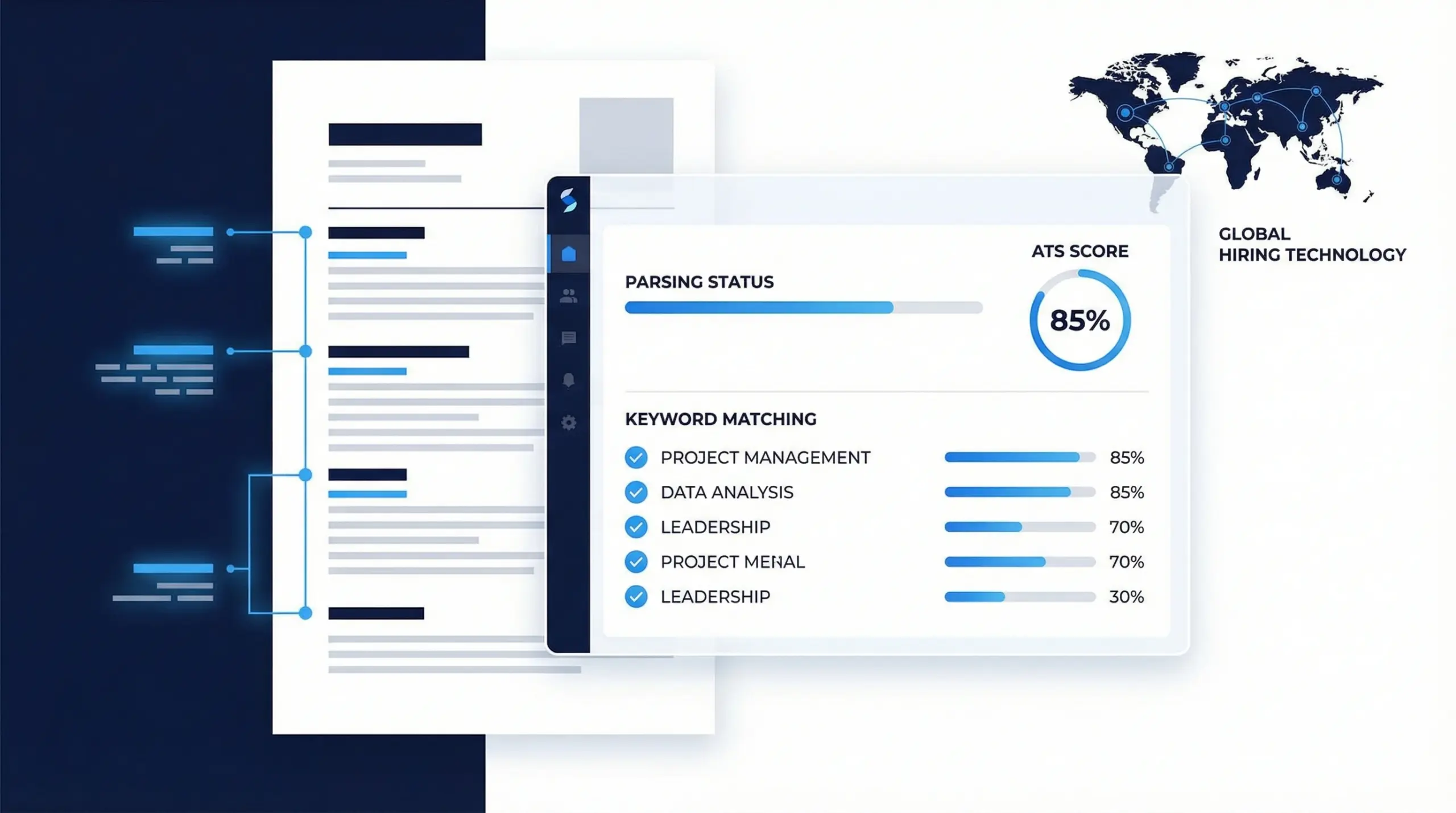
An ATS resume is a document specifically formatted to be read, parsed, and ranked by an Applicant Tracking System (ATS). Unlike a traditional creative resume designed to visually impress a human recruiter, an ATS resume is engineered to pass through automated software filters.
The primary goal of an ATS resume is not just to look professional, but to ensure that the software can extract your contact information, work history, education, and skills without errors. If the system cannot read your data, your application is often automatically rejected before it ever reaches a hiring manager.
Why Companies Use ATS Software
In 2025, over 98% of Fortune 500 companies and nearly all large recruitment agencies use ATS software. The reasons are practical:
- Volume: A single job posting can receive thousands of applications. It is physically impossible for human recruiters to read every document.
- Efficiency: ATS software automatically ranks candidates, allowing recruiters to focus only on the top 10% of applicants.
- Compliance: The system ensures fair hiring practices by standardizing how applications are reviewed and stored.
How an Applicant Tracking System Works (Step-by-Step)
To create a successful resume, you must understand the journey your file takes after you click "Submit."
1. The Upload and Parsing Phase
When you upload your PDF or DOCX file, the ATS uses a process called "parsing." The software scans the document and attempts to strip away the formatting to find raw text. It looks for specific headings like "Work Experience" or "Education" to categorize the information into a digital candidate profile.
2. Semantic Search and Keyword Matching
Once parsed, the system compares your profile against the job description. It uses semantic search to look for ATS resume keywords. For example, if the job requires "Project Management," the system looks for that exact phrase or related terms like "PMP," "Stakeholder Management," or "Agile."
3. Automated Scoring and Ranking
Based on the match rate of skills, experience, and education, the ATS assigns a compatibility score (often a percentage). Recruiters can then sort the database to see only candidates with a match score of 80% or higher.
4. Recruiter Review
Only the high-scoring resumes are flagged for human review. If your resume passes the bot, a recruiter will then look at it to evaluate soft skills, career gaps, and overall fit.
Is Your Resume Being Read Correctly?
Don't guess. Use our free tool to scan your resume and see exactly what the ATS sees.
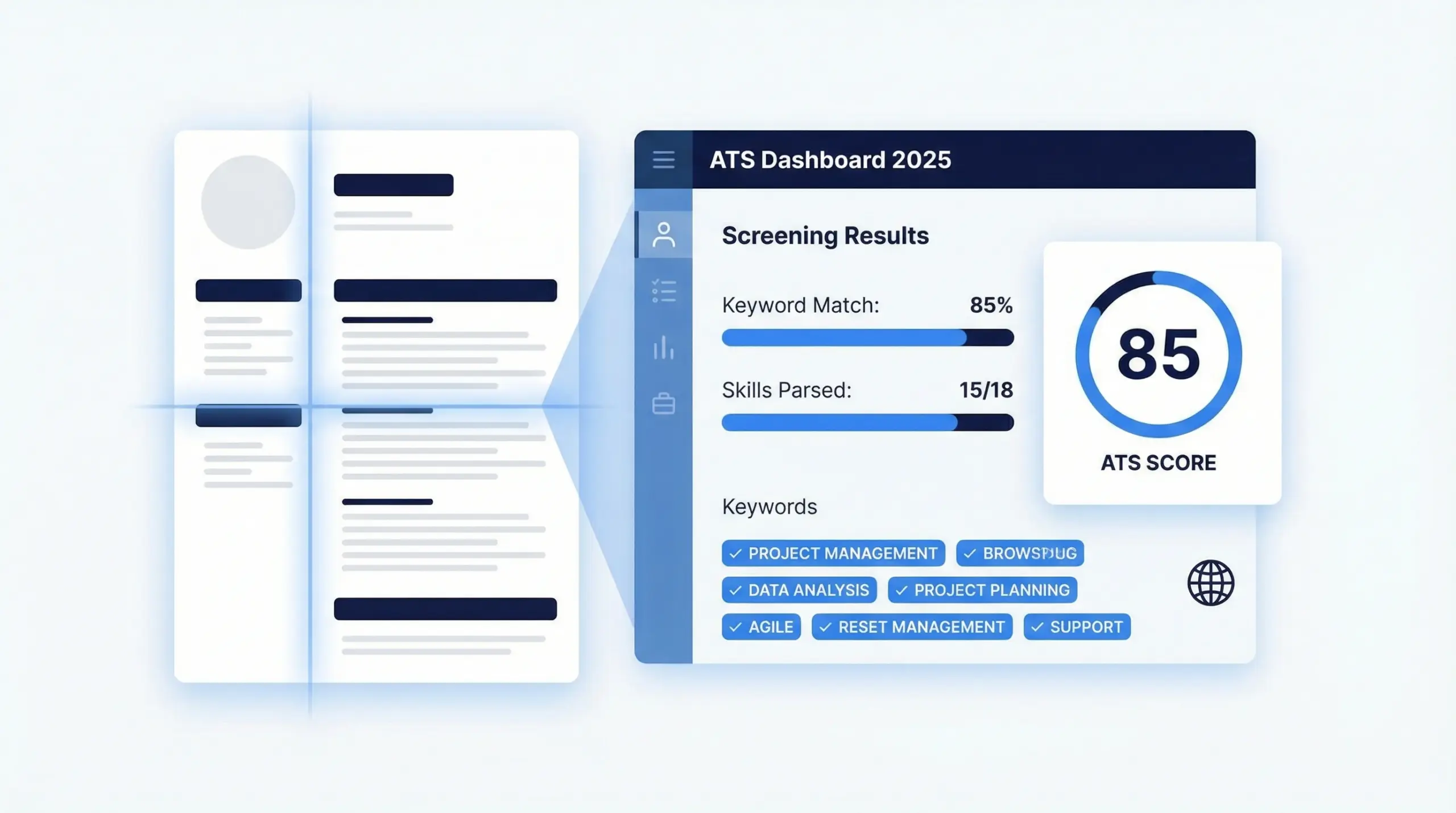
Example of how an Applicant Tracking System parses and scores resumes
Why ATS Rejects Most Resumes
The vast majority of "unqualified" notices are actually formatting errors. Here are the most common reasons a resume is rejected by ATS:
- Graphics and Images: ATS algorithms cannot "see" images. If your name is in a logo or your skills are in a chart, the system reads nothing.
- Complex Layouts: Multi-column layouts often confuse older parsers, causing them to read text straight across the page, jumbling your work history.
- Tables and Text Boxes: Information inside tables or floating text boxes is frequently skipped entirely by parsing software.
- Non-Standard Headings: Using creative headers like "My Journey" instead of "Work Experience" prevents the ATS from categorizing your data correctly.
ATS Resume vs. Human-Readable Resume
While you need to please the bot, you ultimately need to impress a human. The best strategy is a hybrid approach—clean, simple formatting that works for both.
| Feature | ATS-Friendly Resume | Creative/Design Resume |
|---|---|---|
| Layout | Single column, linear structure | Multi-column, complex grids |
| Graphics | None (Text only) | Photos, icons, skill bars, charts |
| Fonts | Standard (Arial, Calibri, Roboto) | Custom, decorative, or serif fonts |
| Best For | Online applications, Corporate jobs | Hand-delivery, Creative portfolios |
How to Make an ATS-Friendly Resume
Creating an ATS resume format does not mean your resume has to be ugly. It simply means it must be structured. Follow these guidelines:
1. Use Standard Section Headings
Stick to the basics so the parser knows where to look:
- Contact Information
- Professional Summary
- Work Experience
- Education
- Skills
- Certifications
2. Optimize with Keywords
Analyze the job description. If they ask for "Salesforce," "Lead Generation," and "B2B Sales," ensure these exact terms appear in your skills section or work history bullet points.
3. Choose the Right File Format
Modern ATS can read PDF files if they are text-based. A Word document (.docx) is the safest universal option. Never use .jpg or .png.
Frequently Asked Questions
Is an ATS resume required for every job?
For large companies and online applications, yes. If emailing directly to a hiring manager at a small business, a standard resume is acceptable, but ATS friendly is safer.
Is PDF ATS friendly?
Yes, modern ATS systems read text-based PDFs perfectly. Avoid "image PDFs" (scanned documents) as the text cannot be read.
How do I check my ATS score?
You can use a free online scanner. Simply upload your resume and paste the job description to get an instant analysis. Check your score here.
Trusted Resources & References
To ensure accuracy, this guide references trusted global resources on hiring systems.
Ready to Land Your Dream Job?
Don't let a computer reject your hard work. Create a professional, optimized resume in minutes.